Mechanical vs Membrane Keyboard: Which Is Better for Daily Work?
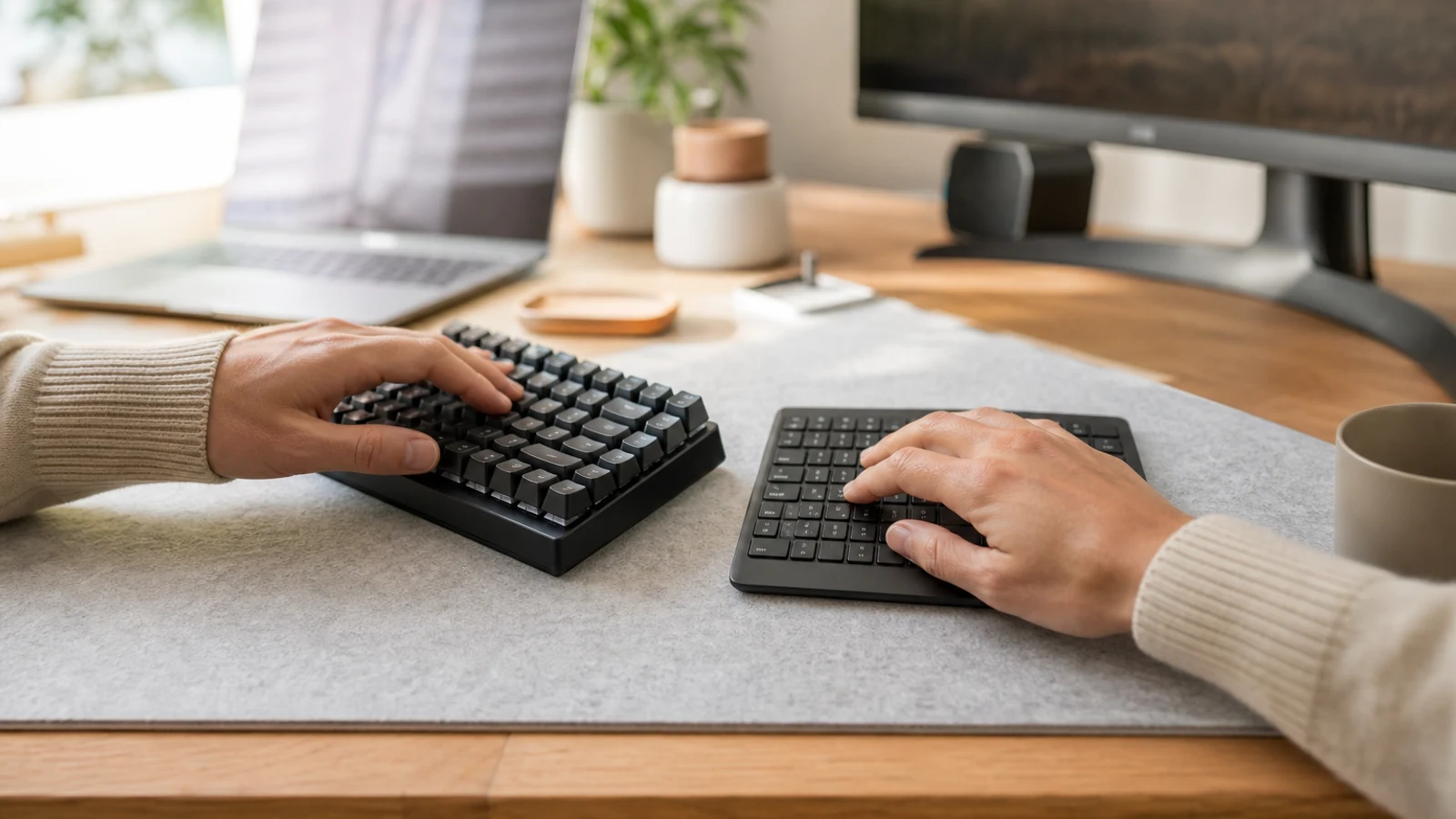
Mechanical vs Membrane Keyboards At A Glance
| Decision Point | Mechanical | Membrane |
|---|---|---|
| Key feel | Distinct actuation and more pronounced feedback; switch choice changes the experience | Softer, cushioned feel with a rubber-dome or similar membrane mechanism |
| Noise | Can range from relatively quiet to loud and clicky; design and switch choice matter | Usually quieter, though some models produce noticeable bottom-out or spring noise |
| Typing feedback | Clearer tactile or audible confirmation can appeal to touch typists | Less distinct feedback, but many users prefer the smooth, familiar press |
| Customization | More options for switches, keycaps, layouts, remapping, and repair | Usually limited customization, though some premium models offer useful software features |
| Cleaning and maintenance | Individual keycaps can often be removed; exposed gaps may collect debris | Simple exterior cleaning, but liquid or dirt beneath the membrane can be difficult to address |
| Desk and travel fit | Often heavier and taller, though low-profile and compact models exist | Commonly lighter, slimmer, and easier to carry or use in shared spaces |
| Best fit | Heavy typists, programmers, enthusiasts, and people who value long-term upgradeability | Quiet offices, shared rooms, occasional typists, budget setups, and users who prefer simplicity |
The mechanical-versus-membrane decision is often presented as if one technology is objectively superior. For daily work, that is too simple. A keyboard is used through thousands of small repetitions, so the important question is whether its feel, sound, height, layout, and resistance suit your hands and your workday.
Mechanical keyboards use a separate physical switch beneath each key. Membrane keyboards generally use a flexible rubber dome or membrane layer that collapses when pressed and completes the electrical contact. That construction difference affects feedback, maintenance, customization, and often price, but it does not determine comfort by itself.
For many office workers, a good membrane keyboard is already adequate. A mechanical model becomes more compelling when typing is a major part of the job and you specifically want a more defined, adjustable, or durable-feeling typing experience.
How The Typing Experience Differs
Mechanical keyboards tend to make the actuation point easier to feel. Depending on the switch, a key may feel linear and smooth, tactile with a noticeable bump, or clicky with an audible confirmation. This can make it easier for some touch typists to recognize a keypress without pushing every key all the way down.
That feedback is a preference, not a guaranteed speed advantage. A familiar membrane or laptop-style keyboard may let an experienced typist work faster simply because its key spacing, travel, and resistance are already familiar. Switching to mechanical can also require an adjustment period, especially if the board is taller or uses a different layout.
Membrane keyboards usually provide a softer, more cushioned press. Some users find that feel less tiring because it is quiet and forgiving; others find it vague because the key does not provide as much confirmation. The right answer depends on whether you prefer a crisp response or a muted, low-profile press.
Noise Matters More Than Many Buyers Expect
A mechanical keyboard is not automatically loud. Linear and many tactile switches can be reasonably restrained, especially in a low-profile case or a board designed for office use. Clicky switches, hard keycaps, and a hollow case can make typing much more noticeable, however.
Membrane keyboards are generally the safer choice for a shared office, bedroom, library, video calls near other people, or a household where someone may be sleeping. They are not silent, because keys can still bottom out against the keyboard deck, but their sound is usually less prominent.
Choose based on the room, not only on personal preference: • Choose quieter membrane or low-profile options for shared spaces and frequent calls.
- Consider a quiet mechanical design if you want mechanical feedback without prominent click sounds.
- Avoid clicky switches when nearby people are likely to hear every keystroke.
- Remember that desk surfaces can amplify sound, particularly hard wood or glass.
Comfort And Ergonomics: The Switch Is Only One Variable
A mechanical keyboard is not automatically more ergonomic, and a membrane keyboard is not automatically easier on your hands. Comfort depends heavily on keyboard height, key force, layout, wrist position, chair and desk height, mouse placement, and how often you change tasks or take breaks.
Many mechanical keyboards are taller than standard office boards. If your wrists bend upward to reach the keys, the extra height may be uncomfortable even if you like the switch feel. A low-profile mechanical keyboard, a suitable palm support, or a flatter setup can address that issue, but the solution differs by person.
Membrane keyboards can also be poorly shaped or too soft for a particular user. If your hands feel cramped, your shoulders are elevated, or you are reaching for the mouse, changing switch type may not solve the underlying setup problem. A compact layout can create more mouse space, while a full-size layout may be preferable if you frequently use a number pad. Before buying, check:
- Whether your forearms can remain roughly level and your wrists relatively neutral.
- Whether the keyboard forces you to reach too far for navigation keys or the number pad.
- Whether key force feels manageable after several minutes, not just during a quick test.
- Whether the board is too tall for your desk and preferred wrist position.
- Whether a split, tented, or otherwise ergonomic layout is more relevant than the switch mechanism.
Mechanical Keyboards: Strengths And Trade-Offs
The main advantage of a mechanical keyboard is control over the typing experience. Switch type, actuation feel, keycap shape, layout, and sometimes firmware can be selected to match how you work. Many models also let you replace keycaps or switches, which can extend the useful life of the board or make it easier to change the feel later.
Mechanical boards are particularly appealing to people who write, code, edit documents, or spend much of the day entering text. Distinct feedback can make the keyboard feel more responsive, and a solid board can remain satisfying after years of use. Those benefits are subjective, but they matter when the keyboard is a primary work tool.
The trade-offs are usually cost, size, sound, and complexity. Mechanical models often weigh more, occupy more vertical space, and expose more gaps where dust or crumbs can collect. Wireless, compact, ergonomic, and quiet versions exist, but those features can raise the price. Some enthusiast-oriented boards also omit familiar keys or use nonstandard layouts that slow down office workflows. A mechanical keyboard is a strong fit if:
- You type for several hours most days and care about key feedback.
- You want to choose between linear, tactile, or clicky switch behavior.
- You value replaceable keycaps, switch options, remapping, or long-term repairability.
- You work alone or can control the sound level in your workspace.
- You are willing to compare height and layout instead of buying based only on appearance.
Membrane Keyboards: Strengths And Trade-Offs
Membrane keyboards remain practical because they do the basic job with less fuss. They are often lighter, quieter, and less expensive than mechanical alternatives, and they are commonly available in familiar full-size layouts with dedicated function and navigation keys. For general email, spreadsheets, browsing, and occasional writing, that can be all you need.
Their softer feel can be a benefit for people who dislike pronounced tactile bumps or loud clicks. A membrane keyboard can also be a sensible choice for a household computer, a school or shared workstation, a travel setup, or a desk where the keyboard is used by several people with different preferences.
The compromise is that the typing feel is usually less adjustable. When a rubber dome becomes inconsistent or starts missing presses, repair options are often limited. Some inexpensive models also have less stable keys, a shallow or mushy feel, or limited rollover for simultaneous key presses. Those weaknesses vary by model, so “membrane” should not be treated as a guarantee of poor quality. A membrane keyboard is a strong fit if:
- Low noise is more important than a pronounced typing feel.
- You want a straightforward full-size layout with minimal setup.
- The keyboard will be shared, transported, or used around children and food.
- You type moderately rather than treating the keyboard as a primary creative tool.
- You would rather replace an inexpensive board than maintain or customize one.
Daily Work Scenarios
For Writers, Editors, And Programmers
Heavy text entry often makes the differences easier to notice. A mechanical keyboard can provide more consistent feedback and more choices for key feel, but a quiet, comfortable membrane or scissor-style keyboard can work just as well if its layout and resistance suit you. Prioritize sustained comfort over the assumption that mechanical automatically means faster.
For Spreadsheets And Number-Heavy Workflows A full-size layout with a dedicated number pad may be more valuable than the switch type. If you constantly enter figures, use accounting shortcuts, or rely on navigation keys, avoid compact boards that force you into layers or function-key combinations. A membrane full-size keyboard can be the better work tool than a smaller mechanical board with a more fashionable design. For Shared Offices And Video Calls Noise and wireless convenience may outweigh customization. A quiet membrane keyboard is the least risky choice, while a quiet mechanical board can work if you have tested or researched its sound profile. Do not assume a clicky mechanical model is appropriate simply because you like the audible feedback. For Home Offices And Mixed Use A mechanical keyboard may make sense if one board serves writing, coding, and gaming. Look for a moderate-height or low-profile design, a layout that matches your work, and switches that are not distracting during calls. If gaming is occasional and your work is mostly email and spreadsheets, a reliable membrane or scissor board may offer better value. For Small Desks And Frequent Travel Size and weight become central. A compact mechanical board can save desk space, but reduced layouts may remove the number pad, function row, or navigation cluster. A slim membrane keyboard may be easier to carry and faster to adapt to in temporary workspaces.
What To Look For Before Buying
Start with the layout, then the feel. A keyboard that feels excellent but makes your normal shortcuts awkward is a poor daily-work purchase. Decide whether you need full-size, tenkeyless, compact, or ergonomic split geometry before comparing switch technologies.
For mechanical keyboards, focus on switch behavior, height, stabilizer quality, keycap shape, connection options, and whether the layout uses standard key sizes. Quiet tactile or linear switches are usually more practical for shared work than clicky switches. Hot-swappable designs can be useful if you expect to experiment, but they are not necessary for a good work keyboard.
For membrane keyboards, focus on key stability, consistent travel, the firmness of the space bar and larger keys, spill-handling claims, wireless reliability, and whether the layout matches your existing habits. A slightly better-built membrane keyboard may be more pleasant than a very cheap mechanical model with a loud or awkward design. For either type, check:
- Full-size versus compact dimensions and the amount of desk space available.
- Wired versus wireless connection and how often you move between devices.
- Mac and Windows key labeling or shortcut compatibility if you use both.
- Backlighting only if you genuinely work in low light; decorative lighting should not decide the purchase.
- Return policies, because typing feel is difficult to judge from specifications alone.
When Not To Upgrade
If your current keyboard is comfortable, reliable, quiet enough, and fits your workflow, switching technologies may produce only a novelty benefit. A new keyboard will not automatically improve typing speed, fix wrist pain, or make an awkward desk setup comfortable.
Do not upgrade solely because mechanical keyboards are popular or because a product promises better productivity without explaining why. If discomfort is the reason for shopping, first examine desk height, keyboard position, mouse reach, breaks, and whether a different layout is needed. Persistent pain, numbness, or weakness deserves professional medical advice rather than a hardware experiment.
You may also want to delay the purchase if you cannot test the sound and height, are unsure which layout you need, or are tempted by a compact board that removes keys you use every day. A familiar, quiet membrane keyboard is often the lower-risk choice when the main requirement is simply dependable office work.
The Bottom Line
Mechanical keyboards are usually the better choice for people who type heavily and actively value feedback, customization, or a more substantial long-term work tool. Choose a quiet switch and a practical layout if the board will be used around other people.
Membrane keyboards are usually the better choice for quiet spaces, shared computers, travel, basic office work, and buyers who want low-cost simplicity. Their softer feel is not a defect if it matches your hands and habits.
For most daily-work buyers, the best decision is not mechanical versus membrane in isolation. It is the keyboard that combines the right layout, height, key resistance, noise level, and connection features for your actual workday. If you are uncertain, prioritize those factors first, then use switch type as the final tie-breaker.
Go Deeper Before You Choose
For more context, see home office essentials.
Research References
These sources informed the factual background for this guide. BuyingView applies its own editorial judgment to the purchase decision.
Questions & Answers
Useful follow-up questions that often change the buying decision.
Is a mechanical keyboard better for typing all day?
It can be, especially if you like defined feedback and spend much of the day writing or coding. However, comfort depends on the keyboard’s height, switch force, layout, and your desk setup. A well-designed membrane or scissor keyboard can be more comfortable for some users.
Are mechanical keyboards louder than membrane keyboards?
Often, but not always. Clicky mechanical switches can be loud, while linear and quiet tactile switches may be relatively restrained. Membrane keyboards are generally quieter, though key bottom-out and desk surfaces still create sound.
Which keyboard is more durable?
Mechanical keyboards often offer more opportunities for maintenance and component replacement, particularly when they use standard keycaps or replaceable switches. Actual durability depends on construction, usage, spills, and quality. A good membrane keyboard can also last for years.
Do mechanical keyboards improve typing speed?
Not automatically. Some people type more accurately or confidently with tactile feedback, while others type faster on a familiar membrane or laptop-style board. Practice, layout, and familiarity usually matter more than the mechanism alone.
Is a membrane keyboard better for wrist health?
Not necessarily. Neither mechanism guarantees ergonomic comfort. Keyboard height, wrist position, key force, desk setup, posture, and breaks are more important factors. If you have persistent pain or numbness, address the symptom with a qualified professional rather than relying on a keyboard upgrade.
Should I choose a full-size or compact keyboard for work?
Choose full-size if you use a number pad or dedicated navigation keys frequently. Choose compact or tenkeyless if desk space and mouse positioning matter more and you are comfortable using function layers or omitting the number pad.