Mesh Wi-Fi vs Extender: Which Fix Makes Sense for Your Home?
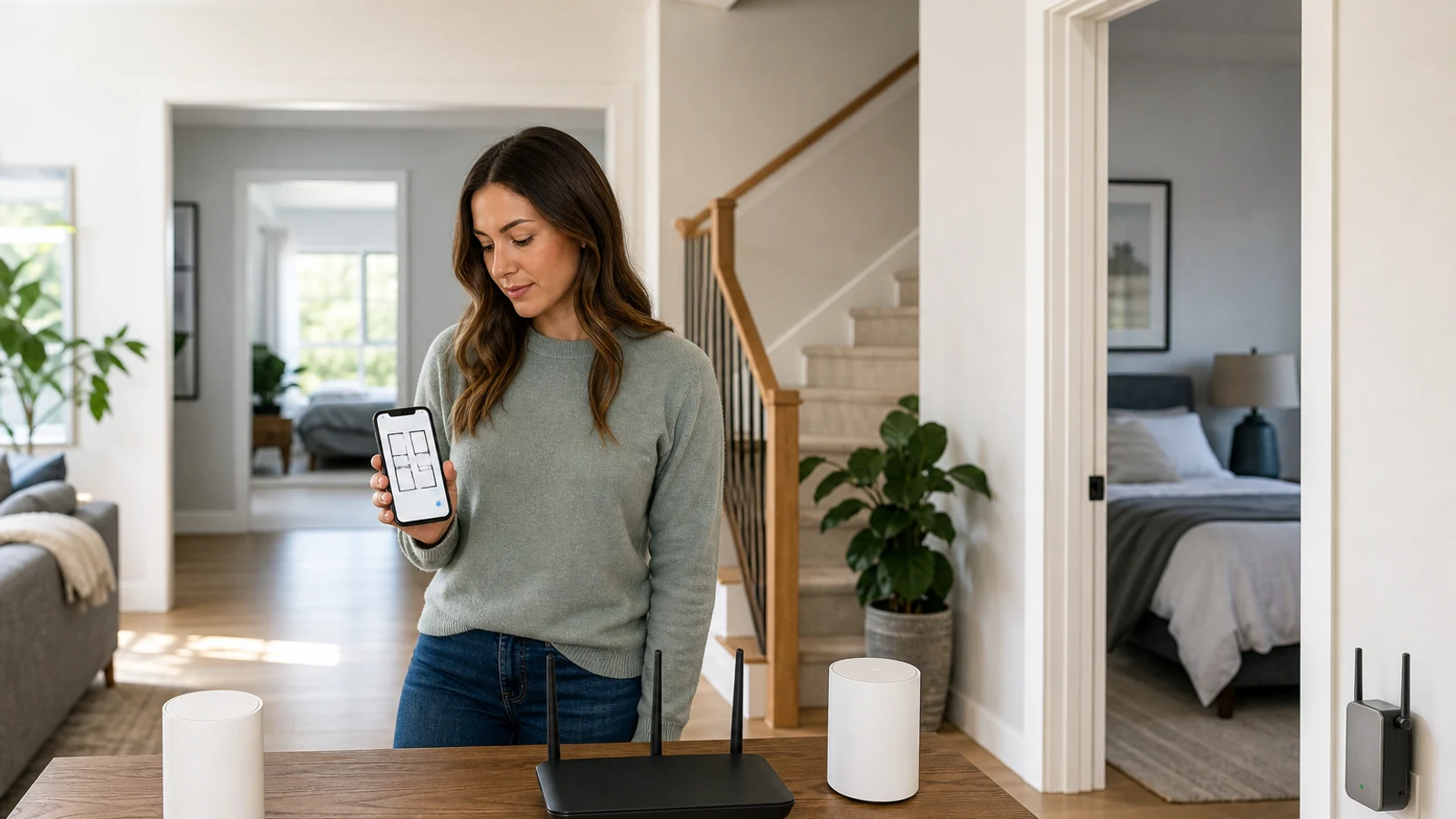
Mesh Wi-Fi Vs. Wi-Fi Extender At A Glance
| Decision Point | Wi-Fi Extender | Mesh Wi-Fi |
|---|---|---|
| Best for | One or two isolated dead zones | Multiple weak areas or whole-home coverage |
| Works with current router | Usually yes | Usually replaces the router, though some systems can work with an existing gateway |
| Network experience | May use a separate network name; same-name roaming is not always seamless | Designed around one unified network and coordinated node handoff |
| Upfront cost | Generally lower | Generally higher because it includes multiple units |
| Setup | Usually quick and simple | More planning for node placement and configuration |
| Performance limit | Placement-sensitive and often slower than a direct router connection | Can provide more consistent coverage; wireless nodes still lose performance through walls and distance |
| Best long-term fit | A targeted repair when the rest of the network is satisfactory | A broader network upgrade for changing or demanding household needs |
The choice between a mesh Wi-Fi system and a Wi-Fi extender is less about which technology is universally better and more about the shape of your problem. If your router provides reliable service everywhere except one bedroom, garage, or upstairs office, an extender may solve the issue without replacing equipment that already works. If several rooms have weak coverage or devices disconnect as you move around, mesh is usually the more coherent upgrade.
Neither option increases the internet speed delivered by your internet service provider. Both are intended to distribute your existing connection more effectively around the home. If every device is slow, including one connected by Ethernet directly to the router, investigate your service plan, modem, router capacity, or provider before buying coverage equipment.
How A Wi-Fi Extender Works
A traditional Wi-Fi extender receives the wireless signal from your existing router and rebroadcasts it farther into the home. It is a relatively focused solution: the router remains the center of the network, while the extender attempts to reach a room or area that the router cannot serve reliably on its own.
The main trade-off is that the extender must communicate with the router before communicating with your devices. That extra wireless hop can reduce throughput and increase sensitivity to walls, floors, interference, and poor placement. An extender placed inside the dead zone may perform badly because it is receiving a weak signal in the first place.
Some newer routers and extenders support systems such as EasyMesh or a manufacturer-specific mesh feature. These can allow a compatible extender to use the same network name and improve the transition between access points. Compatibility matters, however. A same-name setup does not automatically guarantee the coordinated roaming behavior of a purpose-built mesh system. Check the exact router, extender, firmware, and feature requirements before assuming the devices will work as one seamless network.
How Mesh Wi-Fi Works
A mesh system typically includes a main unit connected to your modem or internet gateway and one or more satellite nodes placed around the home. The units are managed as a coordinated system, generally through one app and one network name. The goal is to give phones, laptops, streaming devices, and smart-home products a more consistent connection as they move between rooms.
Mesh is especially useful when the problem is distributed rather than isolated. A two-story home, long ranch layout, thick interior walls, basement office, or room at the opposite end of the house may be difficult for one router to cover evenly. Multiple nodes let you place access points closer to the devices that need them.
Mesh is not automatically faster in every location. A wireless satellite still needs a good connection to the rest of the system. If nodes are placed too far apart, behind dense obstacles, or in areas with existing interference, the system may provide broad coverage without delivering the performance you expected. Some mesh systems support wired Ethernet backhaul, which can improve consistency by allowing nodes to communicate through Ethernet instead of relying only on wireless links.
Choose An Extender If Your Problem Is Localized
An extender is usually the sensible first step when your network is already satisfactory in most of the home. It preserves your existing router, avoids moving all devices to a new network, and limits the upgrade to the area that needs help.
An extender may fit if
- One room has weak or unusable Wi-Fi while nearby rooms work normally
- You mainly need web browsing, email, smart-home control, or occasional streaming in that area
- You want the least disruptive and generally least expensive fix
- Your router is relatively modern and supports a compatible extender feature
- You can place the extender between the router and the problem area, rather than at the far edge of the dead zone An extender is less appealing when you need reliable low-latency performance for gaming, frequent video calls, large file transfers, or high-bitrate streaming in the extended area. It may still work, but its performance will depend heavily on the wireless link back to the router and on congestion from other devices.
Choose Mesh If Coverage Problems Affect The Whole Home
Mesh is usually the better fit when the network problem appears in multiple rooms or changes as household use changes. It also reduces the inconvenience of manually switching between a router’s network and an extender’s network, although the quality of roaming still depends on the system and client devices.
Mesh is worth considering if
- More than one room has weak or inconsistent coverage
- You have multiple floors, a long layout, thick walls, or difficult construction materials
- Several people work, stream, attend classes, or play games online at the same time
- Phones and laptops need to remain connected while moving around the house
- You are already due for a router replacement
- You want centralized app management, guest networking, device controls, and easier expansion A mesh system also makes more sense when you expect your needs to grow. Adding one compatible node later can be more orderly than accumulating several unrelated extenders. That said, expansion is not always inexpensive, and additional nodes can create interference or unnecessary overlap if the original system already covers the home well.
Placement Matters More Than The Box On The Shelf
Poor placement can make either solution look ineffective. Start by putting the primary router or mesh unit in a central, elevated, open location rather than inside a cabinet, behind a television, or on the floor. Keep it away from large metal objects, dense masonry, appliances that can create interference, and obstructions that block several directions at once.
For a traditional extender, begin roughly halfway between the router and the weak area. The exact position should be adjusted using the extender’s signal indicator or the manufacturer’s app. It needs to receive a strong enough signal from the router before it can provide useful coverage farther away.
For mesh, place the satellite where it still has a dependable connection to the main unit, not necessarily in the room with the worst signal. A node placed directly in a dead zone may be too far from the rest of the system. In a multi-story home, a landing or open area near the staircase may work better than a corner bedroom, provided it is close enough to the primary unit and clear of major obstructions.
Consider Backhaul, Wi-Fi Standards, And Ports
If you are buying a new mesh system, compare how its nodes communicate. Dual-band systems share wireless capacity between household devices and node-to-node traffic. Tri-band systems may dedicate an additional band to backhaul, which can help maintain performance when the satellites connect wirelessly. A wired Ethernet backhaul can be even more dependable if your home has Ethernet cabling or you are willing to run it.
Wi-Fi 6, Wi-Fi 6E, and Wi-Fi 7 describe different generations and capabilities, but the newest label alone does not guarantee better coverage. Your devices must support the relevant features, and the system must have enough capacity and suitable placement for those capabilities to matter. For many homes, a well-positioned Wi-Fi 6 or newer system is more useful than a poorly placed premium system.
Check ports if you have fast internet service, a wired desktop, network storage, a game console, or a smart-home hub. A system with only basic ports may be perfectly adequate for a typical household but restrictive if you pay for multi-gigabit service or want wired connections at satellite locations. Also verify whether advanced parental controls, security monitoring, or troubleshooting tools require a subscription.
Common Reasons Not To Buy Either One Yet
A coverage upgrade is not always the first fix. Moving the router can solve a surprising number of problems, particularly when it is currently placed in a low cabinet, at one end of the home, or beside dense obstructions. Updating router firmware and removing an obsolete router from an internet provider’s gateway setup may also help.
Do not buy an extender or mesh system simply because your internet plan is slow. Test the connection close to the router and, if possible, over Ethernet. If those results are also poor, contact your provider or review your modem and router before adding access points.
Avoid buying multiple extenders as a substitute for a planned network. Several independently configured repeaters can make network names, troubleshooting, and device behavior more confusing. If coverage problems are spread across the home, a properly planned mesh system or wired access-point setup may be easier to manage over time.
A Practical Decision Checklist
Start with the smallest solution that addresses the actual problem, but do not ignore the network’s future workload. Use this sequence before purchasing:
- Identify the exact rooms where performance is poor, rather than judging by the size of the home alone
- Test close to the router to separate weak Wi-Fi from slow internet service
- Improve router placement before adding hardware
- Choose an extender for one or two isolated areas when the existing router is otherwise satisfactory
- Choose mesh for multiple dead zones, multi-floor layouts, frequent roaming, or a planned router replacement
- Look for wired backhaul support if Ethernet cabling is available
- Confirm compatibility if you want an extender to share one network name with your router
- Check multi-gigabit ports, security features, parental controls, and subscription requirements
- Buy only as many mesh nodes as your layout needs; more nodes can add interference rather than improve performance The right purchase is the one that solves your coverage pattern without adding unnecessary equipment or complexity.
The Bottom Line
A Wi-Fi extender is a targeted repair. It is appropriate when one or two areas need help and the rest of your network already meets your needs. It usually costs less, takes less effort to install, and lets you keep your current router, but it is more dependent on careful placement and may deliver lower performance in the extended area.
Mesh Wi-Fi is a broader network upgrade. It is the stronger choice for several dead zones, large or multi-story homes, frequent movement between rooms, and households with many simultaneous connections. It costs more and requires more planning, but a well-placed system can provide a simpler whole-home experience.
If you are unsure, first improve router placement and test the connection in multiple rooms. Then choose the least complex option that solves the problem: an extender for a contained gap, mesh for a home-wide coverage pattern, and neither if the underlying issue is your internet service rather than your Wi-Fi.
Go Deeper Before You Choose
For more context, see Home Office Essentials.
Research References
These sources informed the factual background for this guide. BuyingView applies its own editorial judgment to the purchase decision.
Questions & Answers
Useful follow-up questions that often change the buying decision.
Is mesh Wi-Fi always better than an extender?
No. Mesh is generally better for whole-home coverage and coordinated device roaming, but an extender can be the more practical choice for one isolated dead zone. A mesh system costs more and may require replacing or reconfiguring your current router.
Will a Wi-Fi extender increase my internet speed?
No. It can bring your existing connection to an area that previously had weak Wi-Fi, but it does not increase the speed supplied by your internet provider. Performance through an extender may be lower than a direct connection to the router.
Where should I put a Wi-Fi extender?
Place it between the router and the weak area, generally where it can still receive a strong signal. Putting it directly inside the dead zone often produces poor results because the extender has too little signal to rebroadcast effectively.
Does mesh Wi-Fi replace my router?
Most consumer mesh systems include a primary unit that connects to your modem or internet gateway and acts as the router. Some can operate with an existing provider gateway, but compatibility, bridge mode, and double-NAT requirements vary by system.
Can I use an extender with any router?
Basic extenders often work with many routers, but advanced features such as one-network-name operation, coordinated roaming, and mesh management may require specific compatibility. Check the exact model and feature requirements before buying.
How many mesh nodes do I need?
Use the fewest nodes that can cover the home while maintaining strong links between units. A typical system may start with a main unit and one or two satellites, but the ideal number depends on layout, construction, placement, and whether the nodes use wireless or wired backhaul.